Demos
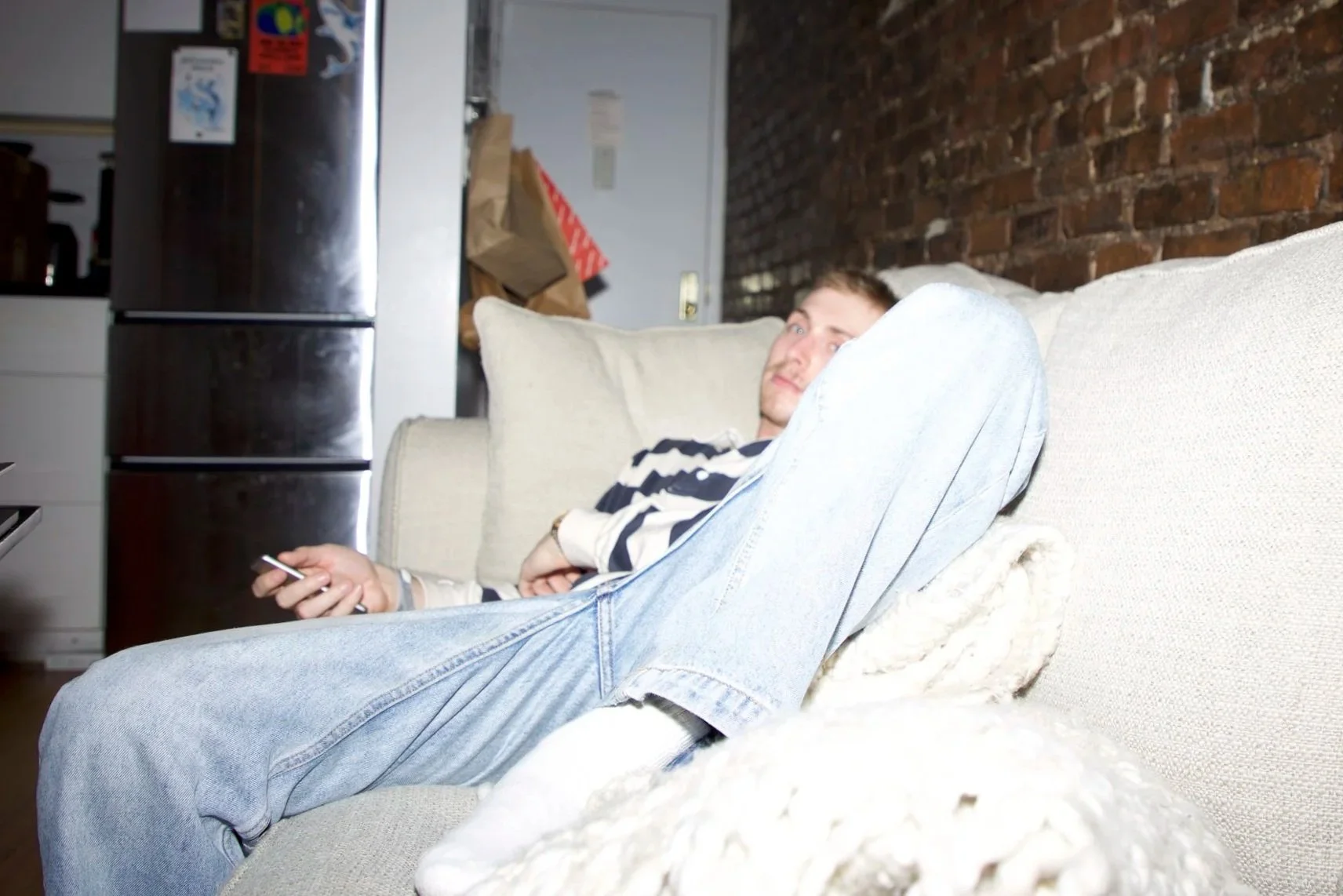
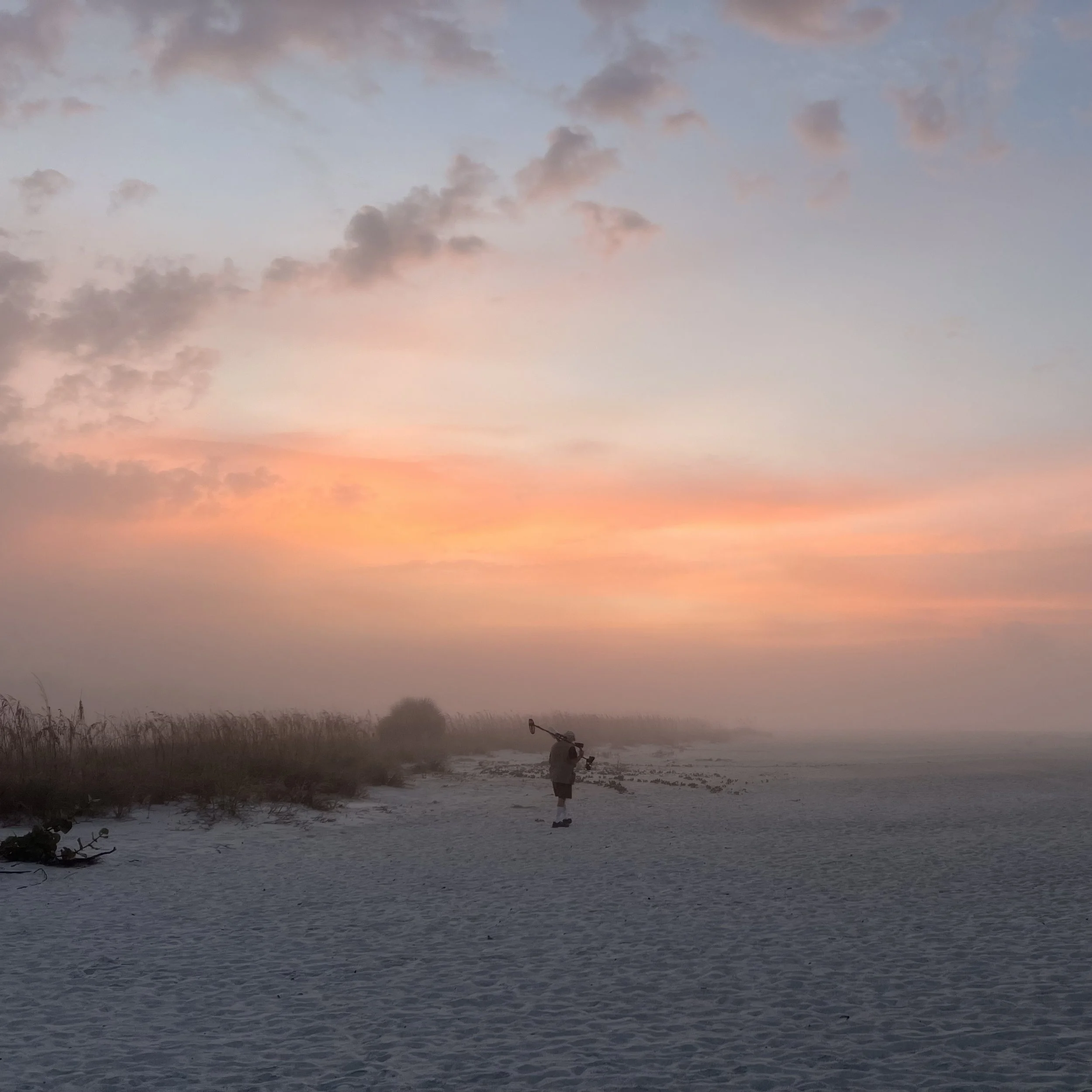
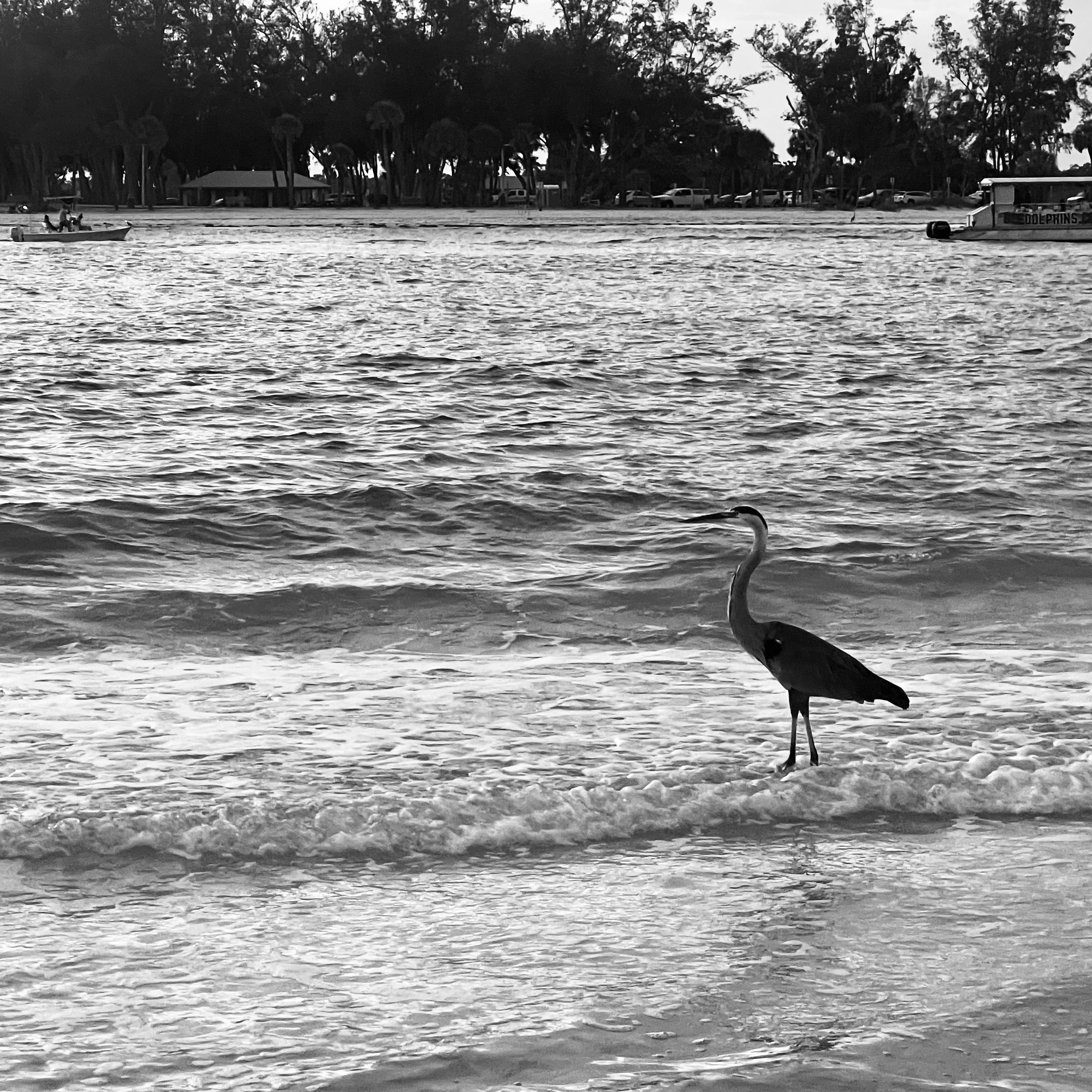
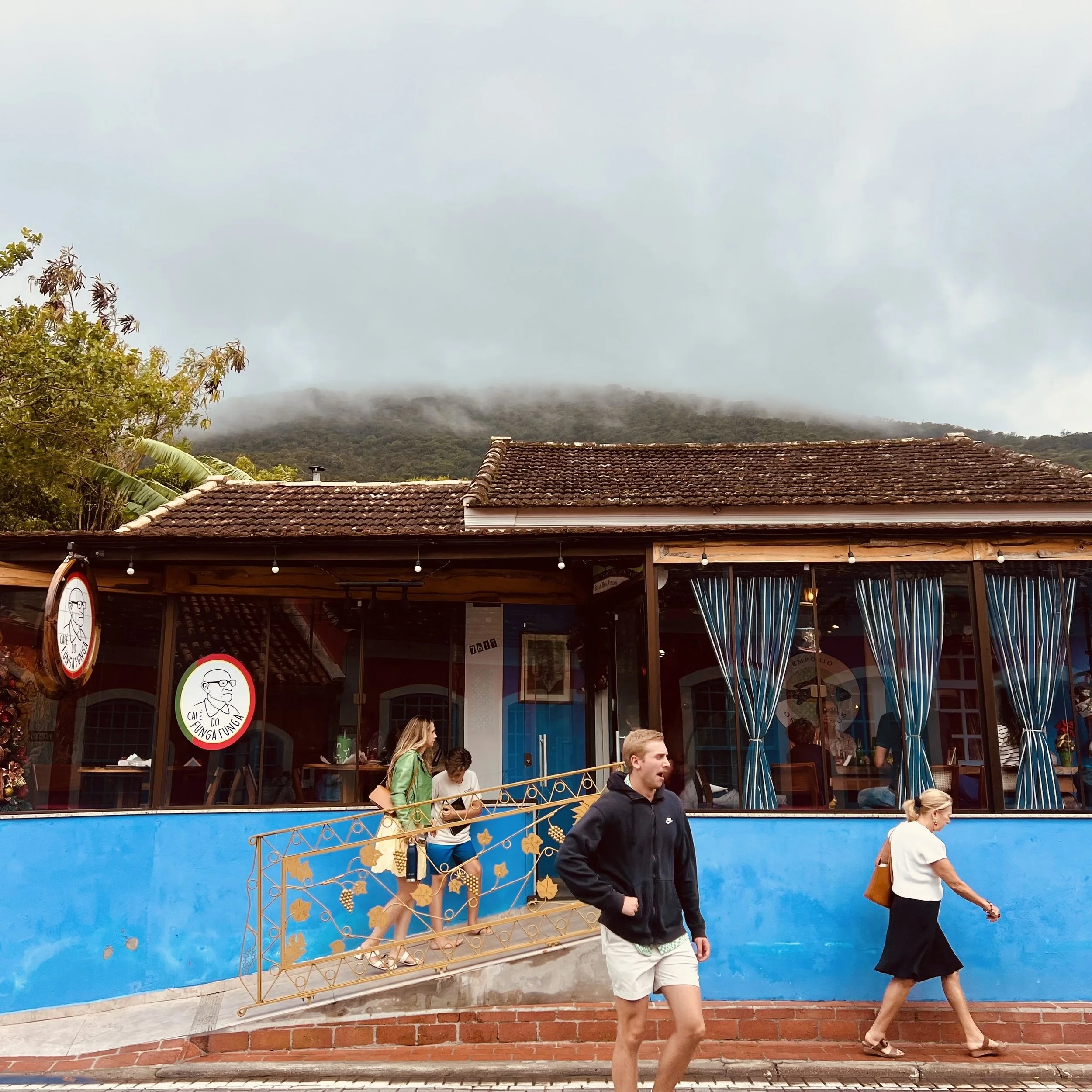
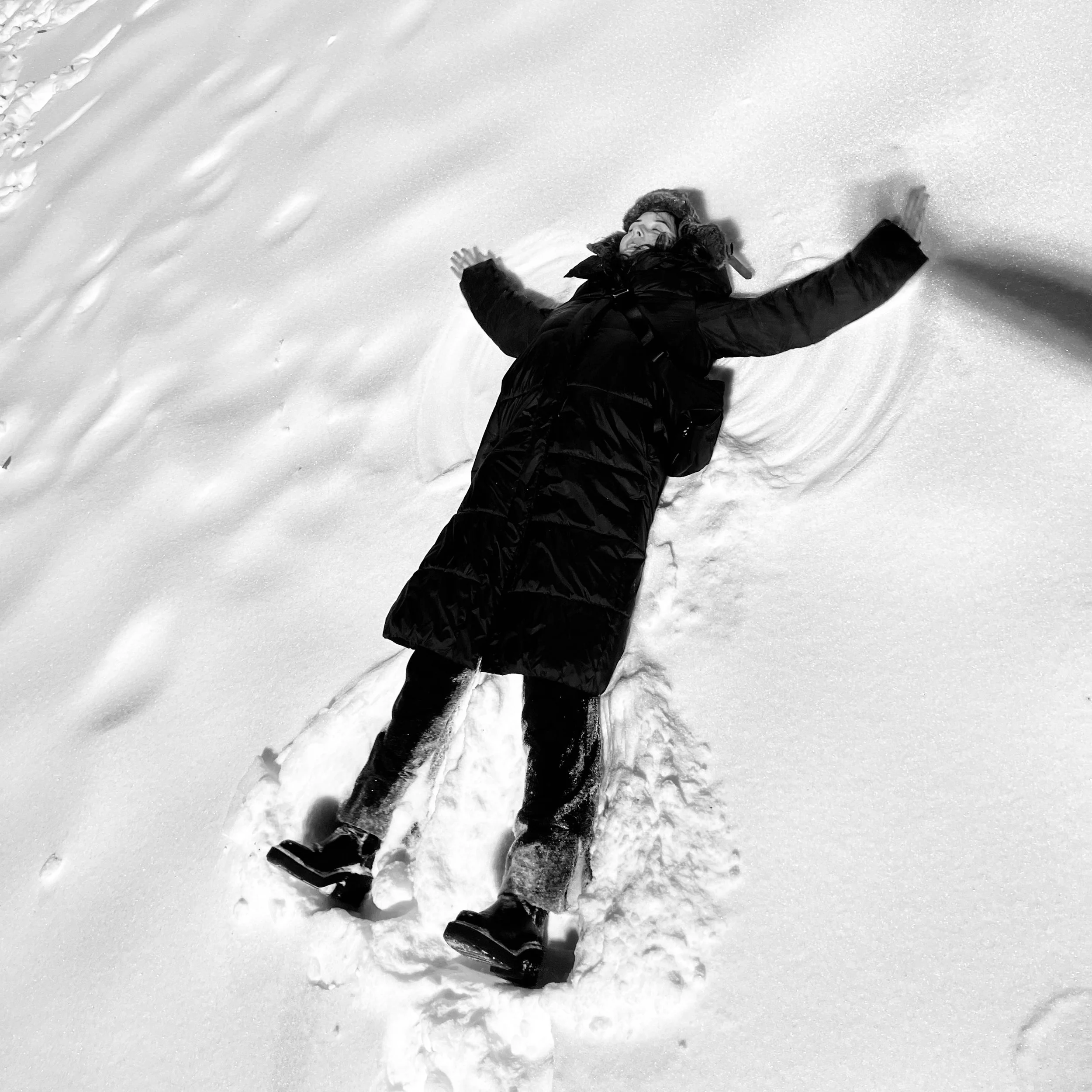
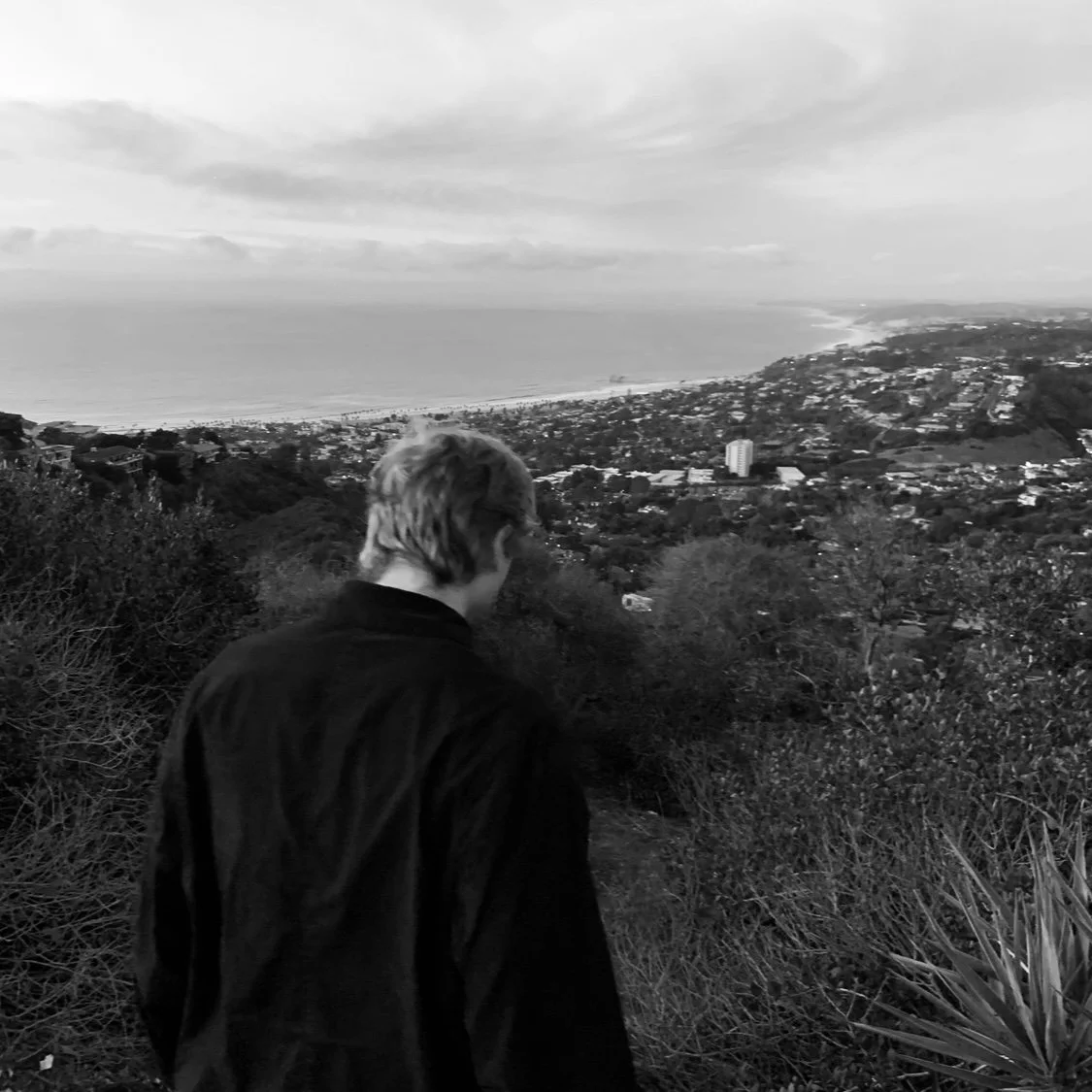
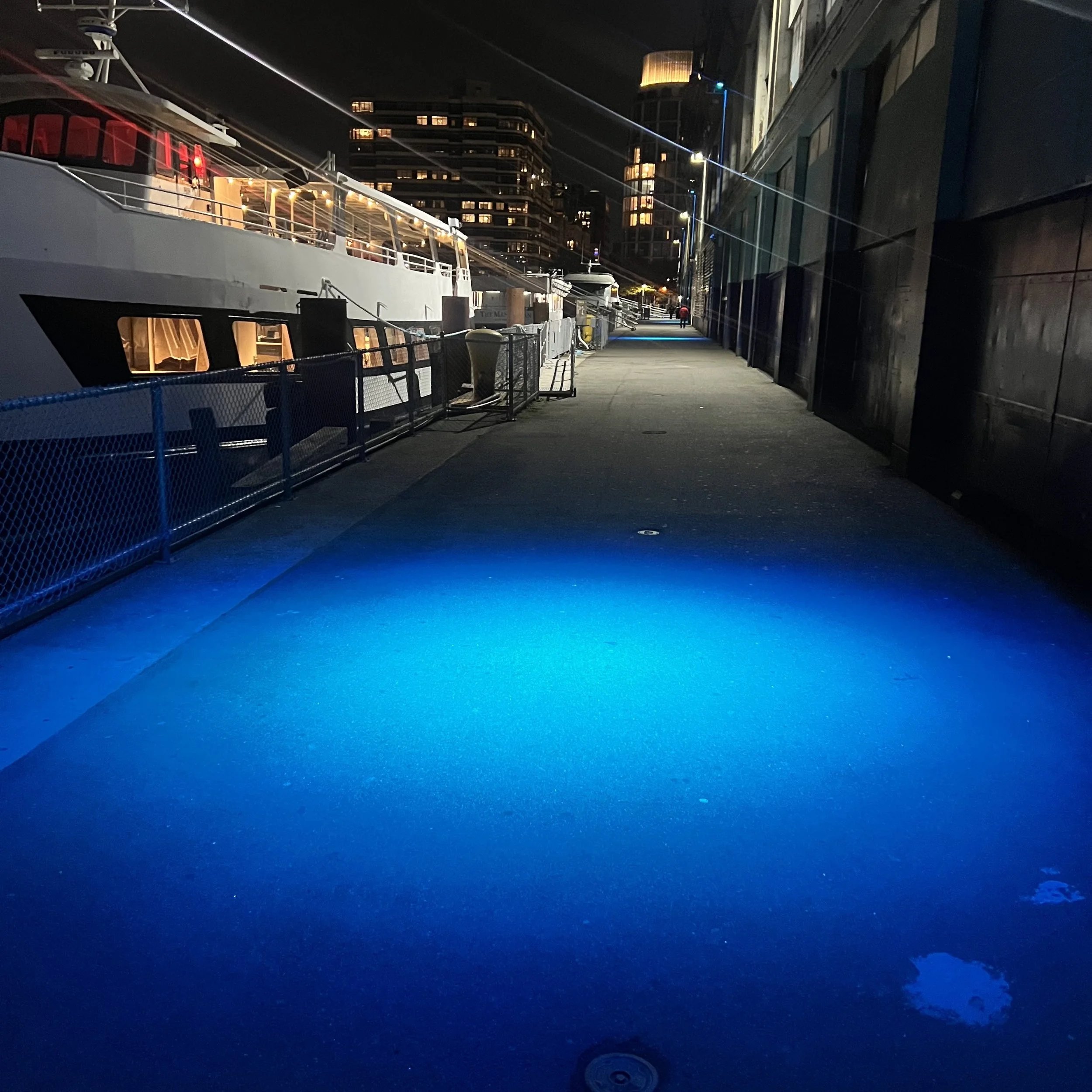
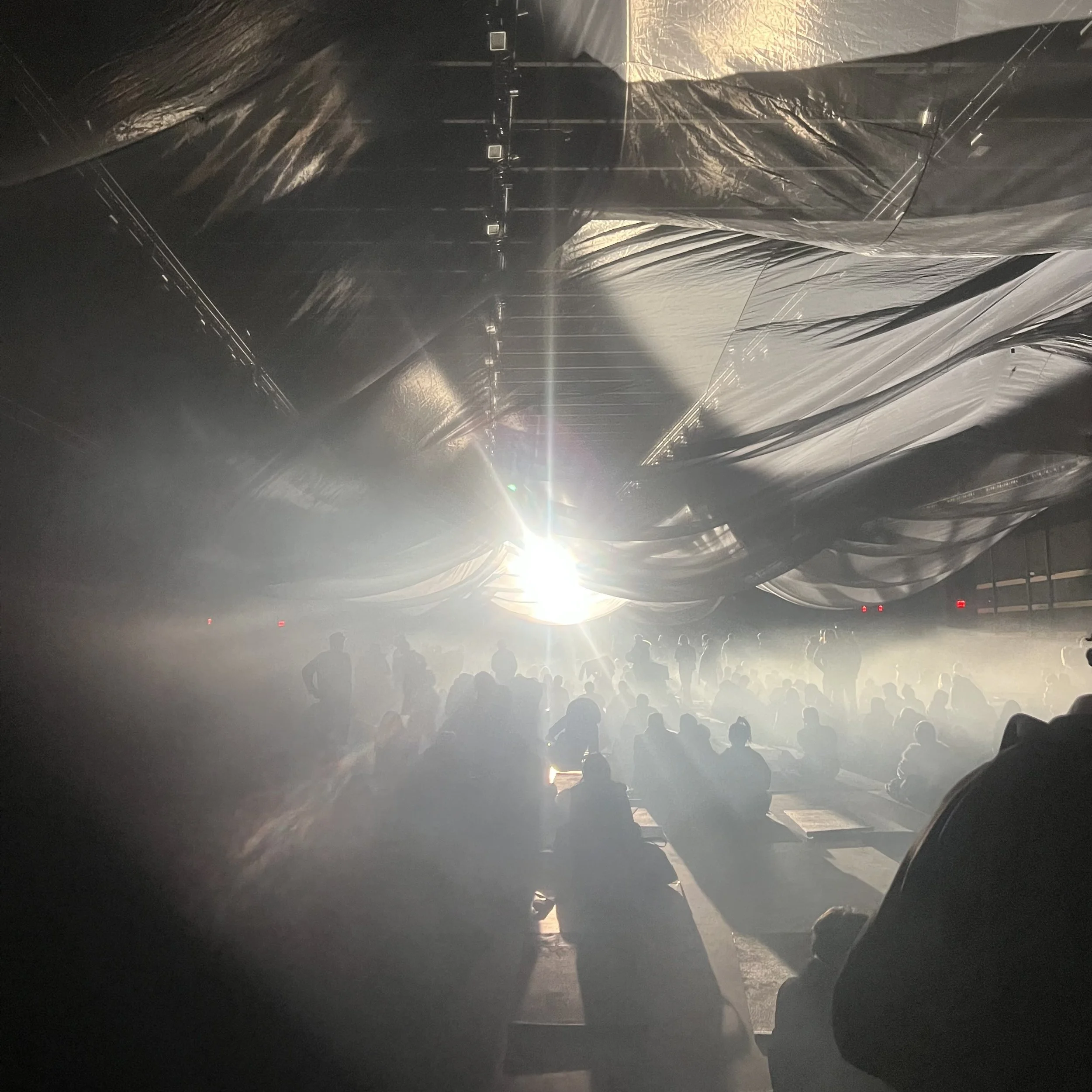
Here are my demos (some rougher than others), along with pics from my camera role during the month each was made
-
Here are straightforward examples showing how to embed an image and a sound file inside the description area of an accordion. Two variations are included: a plain HTML/CSS/JS snippet and a React functional component. Both keep accessibility and progressive enhancement in mind.
<!doctype html> <html lang="en"> <head> <meta charset="utf-8" /> <meta name="viewport" content="width=device-width,initial-scale=1" /> <title>Accordion with Image and Audio</title> <style> .accordion { max-width: 640px; margin: 24px auto; border: 1px solid #ddd; border-radius: 6px; overflow: hidden; font-family: Arial, Helvetica, sans-serif; } .accordion button { width: 100%; text-align: left; padding: 12px 16px; background: #f7f7f7; border: none; border-bottom: 1px solid #e5e5e5; cursor: pointer; font-size: 16px; } .accordion button:focus { outline: 3px solid #cde6ff; } .accordion .panel { padding: 12px 16px; display: none; background: #fff; } .accordion .panel[aria-hidden="false"] { display: block; } .media { display: flex; flex-direction: column; gap: 12px; } .media img { max-width: 100%; height: auto; border-radius: 4px; object-fit: cover; } .audio-wrapper { display: flex; align-items: center; gap: 8px; } .caption { font-size: 14px; color: #555; } </style> </head> <body> <div class="accordion" id="myAccordion"> <div class="item"> <button aria-expanded="false" aria-controls="panel1" id="btn1"> Example item: image + audio </button> <div class="panel" id="panel1" role="region" aria-labelledby="btn1" aria-hidden="true"> <div class="media"> <!-- Replace src attributes with your file URLs --> <img src="path/to/your-image.jpg" alt="Descriptive alt text for the image"> <div class="audio-wrapper"> <audio controls preload="none"> <source src="path/to/your-audio.mp3" type="audio/mpeg"> <source src="path/to/your-audio.ogg" type="audio/ogg"> Your browser does not support the audio element. </audio> </div> <div class="caption">Caption or description text for the image and audio.</div> </div> </div> </div> <!-- Additional accordion items can go here --> </div> <script> (function () { const accordion = document.getElementById('myAccordion'); accordion.addEventListener('click', function (event) { const btn = event.target.closest('button[aria-controls]'); if (!btn) return; const panelId = btn.getAttribute('aria-controls'); const panel = document.getElementById(panelId); const expanded = btn.getAttribute('aria-expanded') === 'true'; // Toggle this panel btn.setAttribute('aria-expanded', String(!expanded)); panel.setAttribute('aria-hidden', String(expanded)); // Optionally pause audio when closing if (expanded) { const audios = panel.querySelectorAll('audio'); audios.forEach(a => { if (!a.paused) { a.pause(); a.currentTime = 0; } }); } }); // Allow toggling via Enter/Space on the button (buttons already handle this) })(); </script> </body> </html>
React functional component (JSX)
import React, { useState, useRef } from 'react'; function AccordionItem({ title, imageSrc, imageAlt, audioSrcMp3, audioSrcOgg, caption }) { const [open, setOpen] = useState(false); const audioRef = useRef(null); function toggle() { setOpen(prev => { const next = !prev; if (!next && audioRef.current)
2024-present
-
2023-2024
-
2021-2023
Piano
Mia and Sebastian’s Theme by Justin Hurwitz (La La Land)
River Flows in You by Yiruma
Contact
Email
williamsheppard804@gmail.com
Phone
+1 (804) 385-6127
LinkedIn
linkedin.com/in/wsheppard30